Build Log · Firmware
One pass, half a second
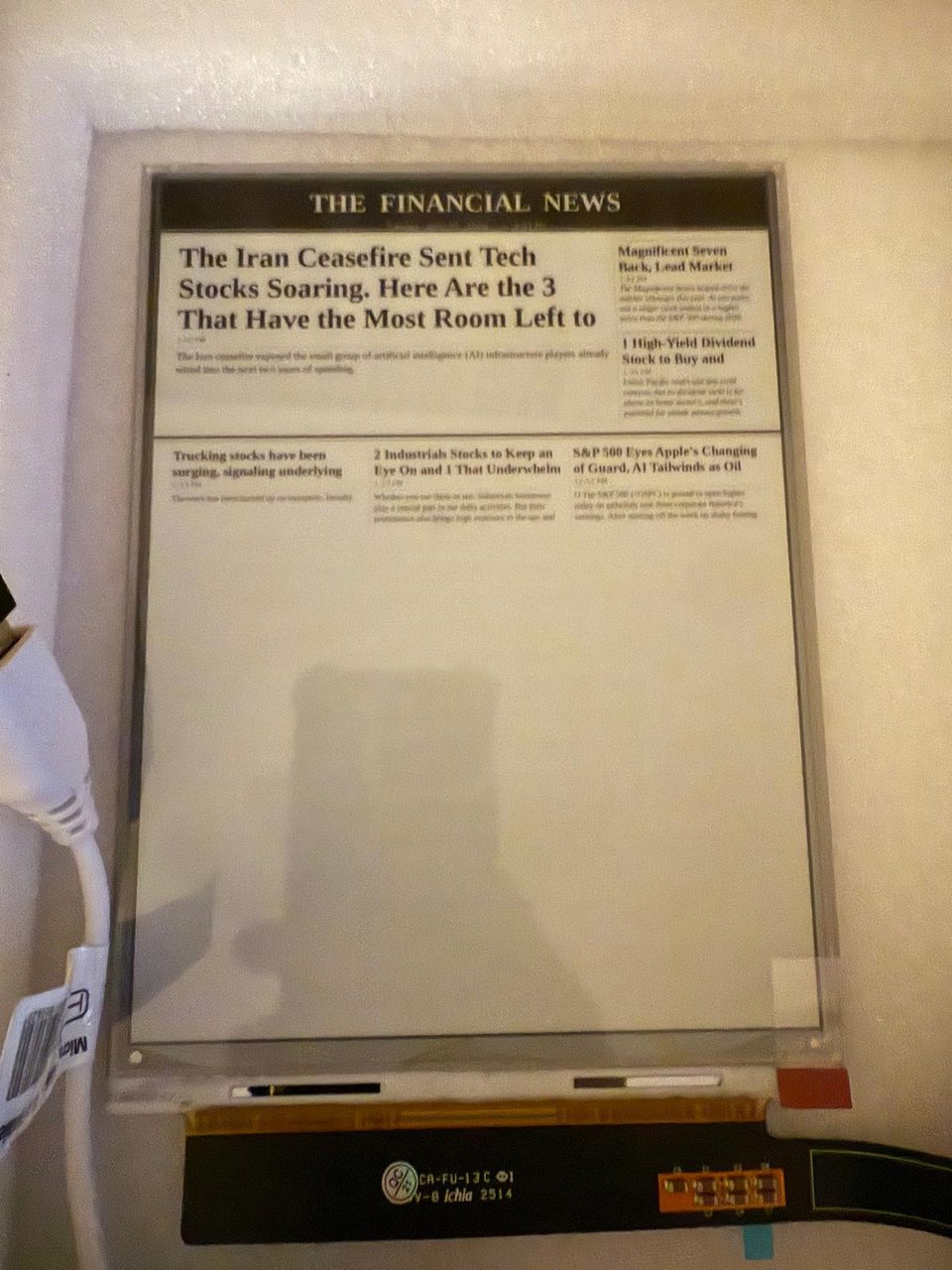
The first version of the refresh was slow, and at first I didn't really know why or what to do about it. An e-ink panel doesn't light up. It physically moves pigment, so a redraw takes real time. Mine took about four and a half seconds and crawled down the screen a strip at a time. I'd split the panel into eight horizontal bands and painted them one after another, with a pause between each, mostly because that's how an example I'd been following did it and I was nervous about asking the panel to do too much at once.
Turning it up
The bands were really about current. Repainting the whole display at once pulls a lot for a moment, and I didn't want to brown it out. But I had no feel yet for how much was too much, so I just tried it. I gave it a solid USB supply and a powerbank and started dropping the band count: eight, four, two, one, watching each time for a flicker or a reset that never came.
At one band, the whole page in a single pass, the refresh went from about 4.4 seconds to roughly half a second. The page just appears now. It turned out I'd been carefully budgeting current I didn't actually have to budget, because this sits on a desk on USB power, not a battery.
Leaving the bands in
I left the banding code in anyway, even though it only ever runs as one band now. There's a leftover pause between bands that does nothing at a single pass, but it's harmless, and if I ever put this on a tighter supply I can turn the bands back up without untangling the paint code again. For now it does the whole front page in one go, and you never see the seams.